Business process automation
In most businesses, a surprising share of staff time goes on work no one was hired to do: copying details from one system to another, retyping the same information into a document, chasing an approval by email, or rebuilding the same report every week. Each step costs time, and each is a chance for an error that surfaces later as a wrong invoice or a missed delivery.
Business process automation removes those steps. We scope it one process at a time, which makes it quick to deliver and easy to measure — the test is how much manual work it removes. That includes the step many businesses overlook: what happens after a website inquiry arrives.
What is business process automation?
Business process automation is the use of software to carry out repetitive steps in a business process — moving data between systems, generating documents, sending notifications, routing approvals — without someone doing them by hand. It doesn't replace the people in the process; it removes the parts of their work that don't need judgment.
Good automation candidates share four traits: they happen often, follow the same steps each time, involve moving information rather than deciding something, and cause real problems when done wrong.
Which processes are worth automating?
A simple way to judge: frequency × time × error cost. A five-minute task done fifty times a week is worth more to automate than a complicated one done twice a year.
Email arrives; someone copies it into a spreadsheet or CRM
Lead created automatically with its source, assigned and followed up
Order details retyped into an invoice
Invoice generated from the order record
Delivery notes written by hand, then typed again
Documents generated from the dispatch record
Request sent by email; progress depends on someone noticing
Request routed, reminded and recorded
Figures copied from several sources into a spreadsheet
Report generated on a schedule from live data
Staff email customers individually about status changes
Notifications sent when the status changes
When automation isn't the answer
If the underlying systems don't fit the business, automation only patches them — and patches break. If a process changes every month, automating it may cost more than it saves. We'll tell you when either is the case.
What you get
Mapping the real process
Including the steps nobody officially owns — the spreadsheet updated on Fridays, the email forwarded before anything moves.
Automated data flow
Information entered once and passed automatically to the systems that need it.
Documents generated from live data
Invoices, delivery notes and reports produced from the records they describe.
Scheduled and triggered workflows
Tasks that run on a schedule, or when something happens — an order placed, a payment received, a threshold crossed.
Inquiry and lead follow-up
Website inquiries can be recorded, assigned and followed up automatically — a capability we bring to this kind of work.
Error handling and alerts
Failures logged and flagged to someone, so problems don't go unnoticed.
Measured against the hours it replaces
Before building, we agree what the process costs in time today, so the return is visible.
Your code
Source code and IP transferred on delivery.
Is this you?
- Orders, invoices or dispatch details are copied between systems by hand.
- Approvals stall because they depend on someone noticing an email.
- The same report is rebuilt manually every week.
- Website inquiries sit in an inbox until someone forwards them.
- Errors are regularly traced back to a manual copying step.
If the systems themselves are the problem, see custom software development.
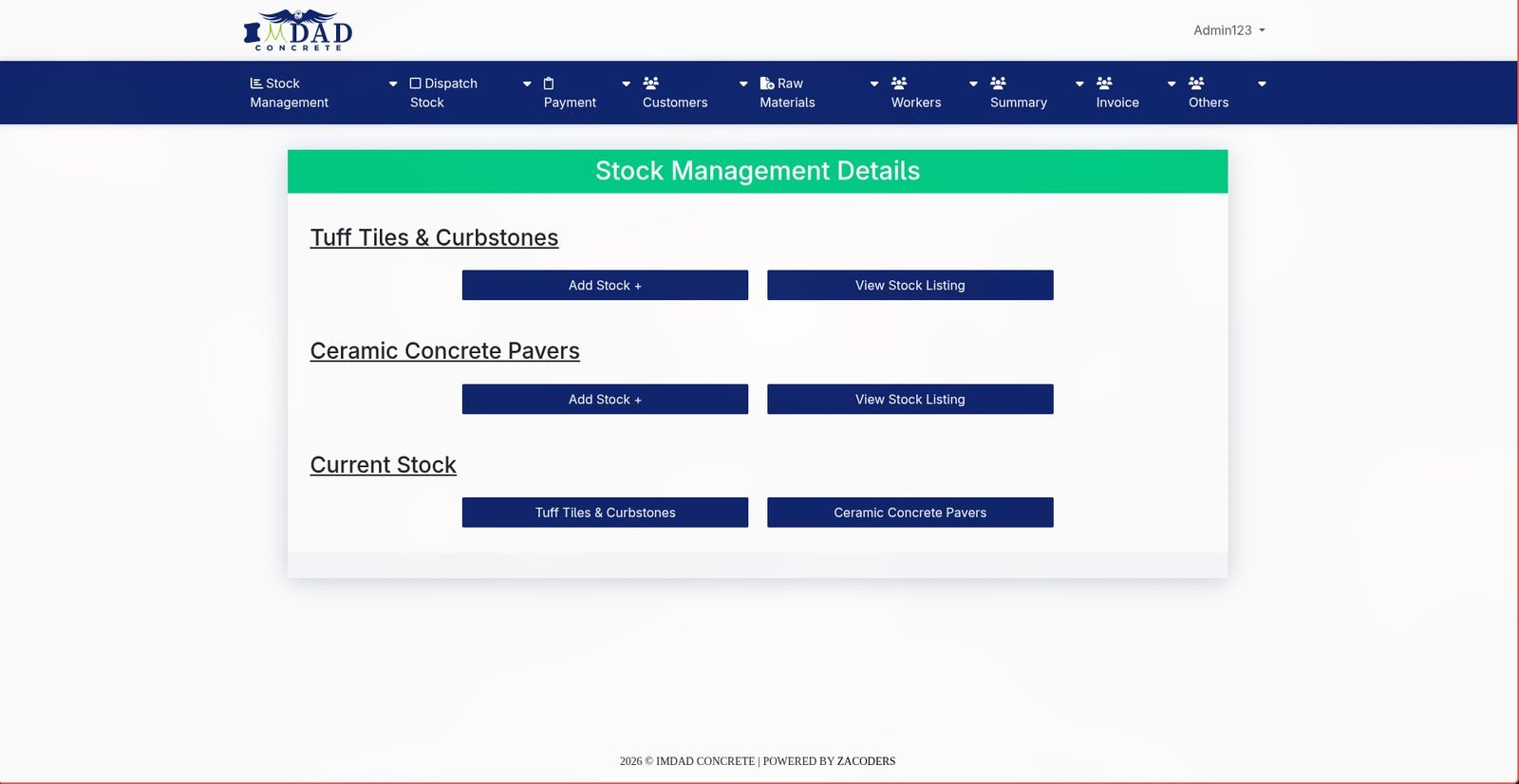
Stock, Dispatch & Billing for a Construction Materials Manufacturer
Dispatch paperwork and billing generated from shared records rather than written twice.
Read the case studyWhat it costs
Priced per process. Main factors:
- Number of systems involved
- How well they share data
- Volume
- Monitoring needs
Frequently asked questions
Can you automate between systems we already use?+
Usually, if they can share data through an API, webhooks, a database connection or scheduled exports. We check before quoting.
What if one of our systems has no API?+
There's often still a route — scheduled exports and imports, or a shared database. If not, we'll say so before you commit.
Automation or custom software?+
Automation, if the systems broadly fit and the problem is the gaps between them. Custom software, if the systems themselves are the problem.
What happens when an automation fails?+
It's logged and someone is alerted, so failures are fixed rather than silently losing data.
Find your automation opportunity
Tell us which task your team repeats most often, and roughly how long it takes. We'll tell you whether it can be automated, what it would take, and how much time it's likely to save.